EssentialVoice
Voice chat activeEssentialVoice is a .jar mod that adds real-time voice changing, soundboard tools, and effects directly in-game. Compatible with Fabric.
Free · Open source · Requires Minecraft 1.21.11+
Live
Voice: Creeper
Pitch -3 · Reverb · Distort
Creeper
Enderman
Villager
Wither
A complete mod, designed for the Minecraft community.
Transform your voice while you play, with latency under 40ms. Includes 30+ ready-to-use voices with mobs, characters, and custom effects.
Play sounds, effects, and memes with one click. Map up to 64 sounds to keyboard hotkeys and trigger them during gameplay without pausing.
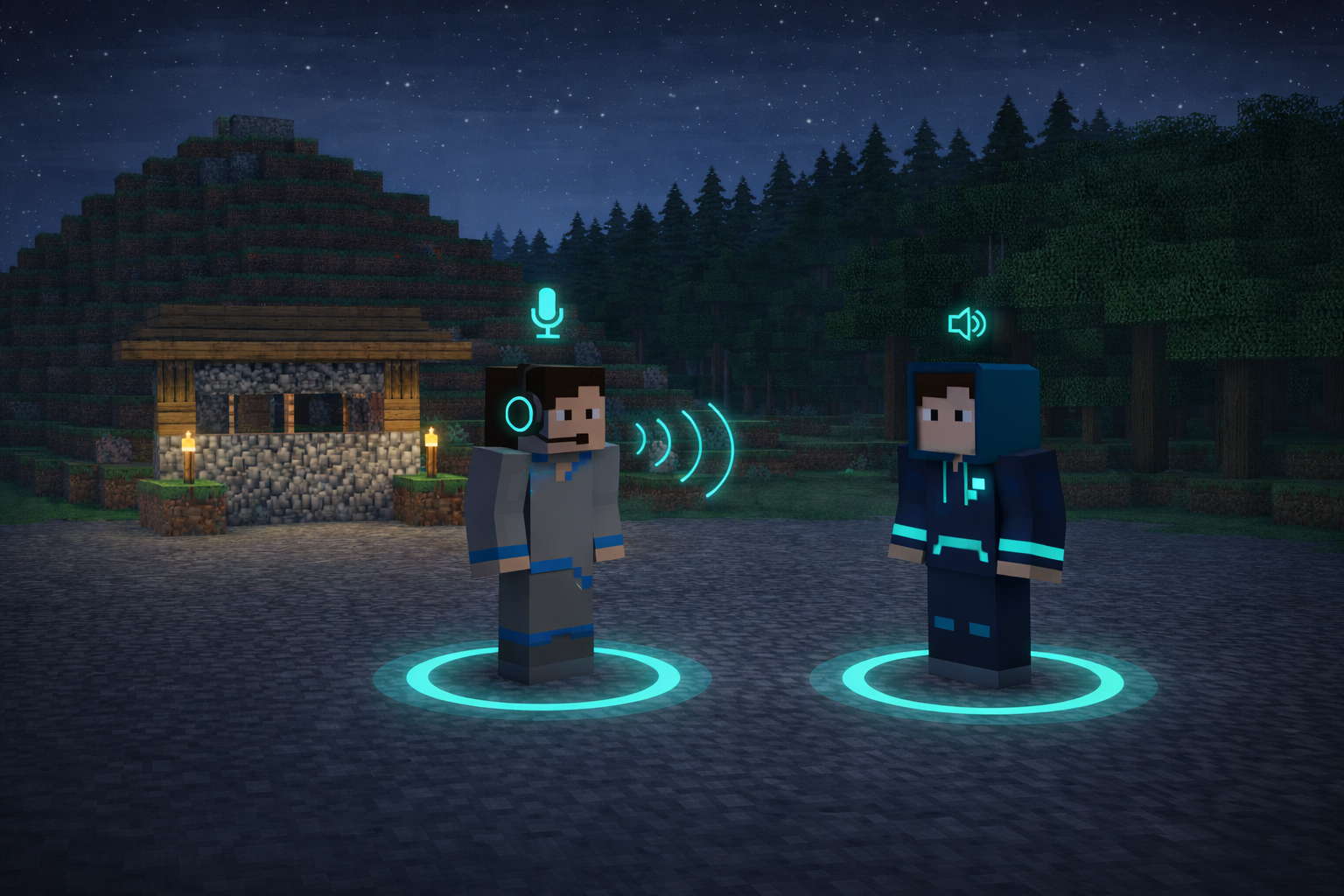
Talk to other players by voice on compatible servers. 3D positional audio means voices get louder as you get closer.
Adjust pitch, tone, reverb, echo, and distortion. Create and save your own voice profiles and share them with the community.
Set keys to switch voices, mute the microphone, or enable push-to-talk, all without leaving Minecraft.
Imitate Creeper, Enderman, Villager, Wither, and more. Effects react to the game environment for full immersion.
Compatible with major Minecraft versions via Fabric. Simple installation, with no external dependencies.
Optimized audio processing. Runs smoothly even on modest PCs, without hurting your FPS.
No extra software. No hassle. Just download and play.
Download the EssentialVoice.jar version that matches your Minecraft version and loader (Fabric).
Move the .jar into the .minecraft/mods folder. If it does not exist, create it after installing Fabric.
Start Minecraft. Open the mod menu (V key) and choose your microphone, voice, and hotkeys.
Choose the version compatible with your Minecraft. All builds are free and verified.
82k+
Downloads
<40ms
Latency
MIT
Open source
Requires Java 8+ and Fabric installed. By downloading you agree to the MIT license.
Yes. The mod is 100% free and open source under the MIT license. You can use, modify, and share it freely.
No. EssentialVoice is a standalone .jar mod. All voice transformation happens inside Minecraft, with no external software needed.
Yes. On servers compatible with the mod, voice is transmitted via 3D positional audio. On servers without the mod, voice effects still work locally for you to hear.
We currently support version 1.21.11 via Fabric. New versions are added as they are released.
No. Audio processing is optimized and runs on a separate thread. The FPS impact is negligible, even on modest PCs.
Open the in-game editor (V key), adjust pitch, reverb, distortion, and other parameters, then save as a profile. You can export and share it with friends.
Download EssentialVoice, put it in your mods folder, and start speaking like your favorite mobs in minutes.
Download now - it is free